Creating a comfortable and efficient home office is essential for anyone who works remotely or needs a dedicated space for focus and creativity. A well-designed space can enhance your productivity while making work feel less like a chore. This guide will walk you through practical steps to design a cozy and productive home office that suits your needs.
Why a Cozy and Productive Workspace Matters
Your home office is more than just a place to put your laptop. It can influence your mood, concentration, and work output. A cozy space makes you feel relaxed and motivated, while a productive setup helps minimize distractions and keeps your workflow smooth.
Step 1: Choose the Right Location
Consider Natural Light
If possible, pick a spot in your home that receives plenty of natural light. Natural lighting reduces eye strain and improves your mood. Position your desk near a window, but avoid glare on your computer screen.
Minimize Distractions
Select a quiet corner or room where household noise is limited. If complete silence isn’t possible, consider noise-canceling headphones or soft background music to help maintain focus.
Step 2: Select Comfortable and Functional Furniture
Invest in a Good Chair
A comfortable chair with adjustable height and proper back support is crucial. Sitting for long hours requires ergonomic seating to prevent discomfort and injury.
Choose the Right Desk
Your desk should accommodate your computer, essential accessories, and provide enough space to work comfortably. Adjustable desks that allow sitting and standing positions are popular for promoting movement during the day.
Step 3: Organize Your Workspace Efficiently
Declutter Regularly
A clutter-free desk helps you think more clearly. Keep only the essentials on your workspace and store other items in drawers or shelves.
Use Storage Solutions
Shelving units, file organizers, and drawer dividers keep your office supplies tidy and easy to find. Labeling containers can also speed up your workflow.
Step 4: Add Personal and Cozy Touches
Bring in Greenery
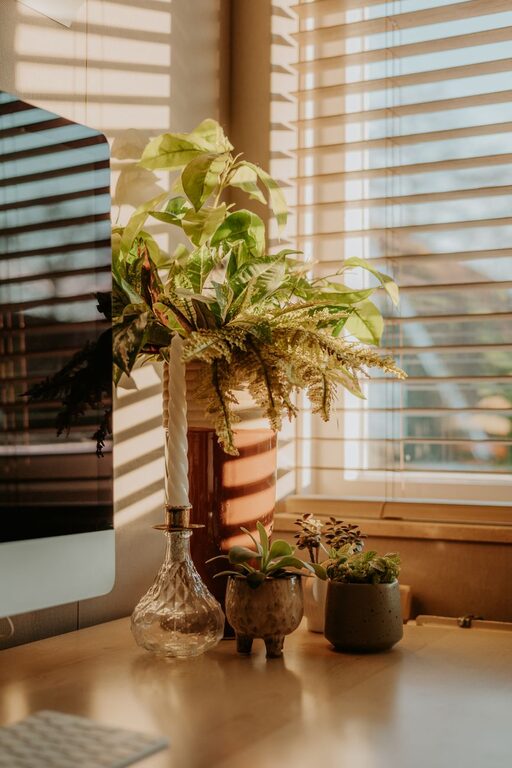
Plants not only add life and color to your office but can also improve air quality and reduce stress.
Choose Soothing Colors
Soft, neutral colors or your favorite calming shades can make the space inviting. Avoid overly bright or harsh colors that may cause eye fatigue.
Incorporate Textiles
A soft rug or comfortable throw can add warmth to your space. Cushions and curtains also contribute to a cozy atmosphere.
Step 5: Set Up Good Lighting
Layer Your Lighting
Combine ambient light (general room light), task lighting (desk lamp), and accent lighting (floor lamp or wall sconces) to reduce shadows and eye strain.
Use Adjustable Desk Lamps
A lamp with adjustable brightness and direction lets you focus light where you need it most.
Step 6: Optimize Technology and Connectivity
Reliable Internet Connection
Ensure your workspace has strong Wi-Fi or consider a wired connection for uninterrupted online work.
Manage Cable Clutter
Use cable organizers, clips, or sleeves to keep wires neat and avoid tangles.
Choose Quality Accessories
A good keyboard, mouse, and headset can enhance comfort and communication during long work sessions.
Step 7: Maintain Work-Life Balance
Define Boundaries
Set clear work hours and stick to them. When your workday ends, tidy your desk to signal that it’s time to relax.
Create a Separate Work Zone
If possible, keep your office area distinct from living or sleeping areas. This physical boundary helps keep your mind focused during work and relaxed afterward.
Final Tips for Success
– Personalize your space: Add artwork, photos, or motivational quotes that inspire you.
– Keep air fresh: Open windows regularly or use air purifiers to maintain a pleasant environment.
– Take breaks: Stand up, stretch, and move around every hour to stay energized.
—
Designing a home office that is both cozy and productive doesn’t have to be complicated or expensive. By thoughtfully arranging your space with comfort, organization, and your personal preferences in mind, you can create a work environment where you feel motivated and at ease. Start with small changes and adapt your setup over time to suit your evolving needs.